Multi-Factor Authentication (MFA)
SiX IDaaS & IAM provides robust Multi-Factor Authentication (MFA) for both native Identity Providers (IdPs) and federated IdP setups. Developers can seamlessly enforce MFA with minimal configuration, ensuring a high-security baseline and consistent user experience across all applications connected to the platform.
Enabling and Verifying MFA
1. Initial MFA Setup
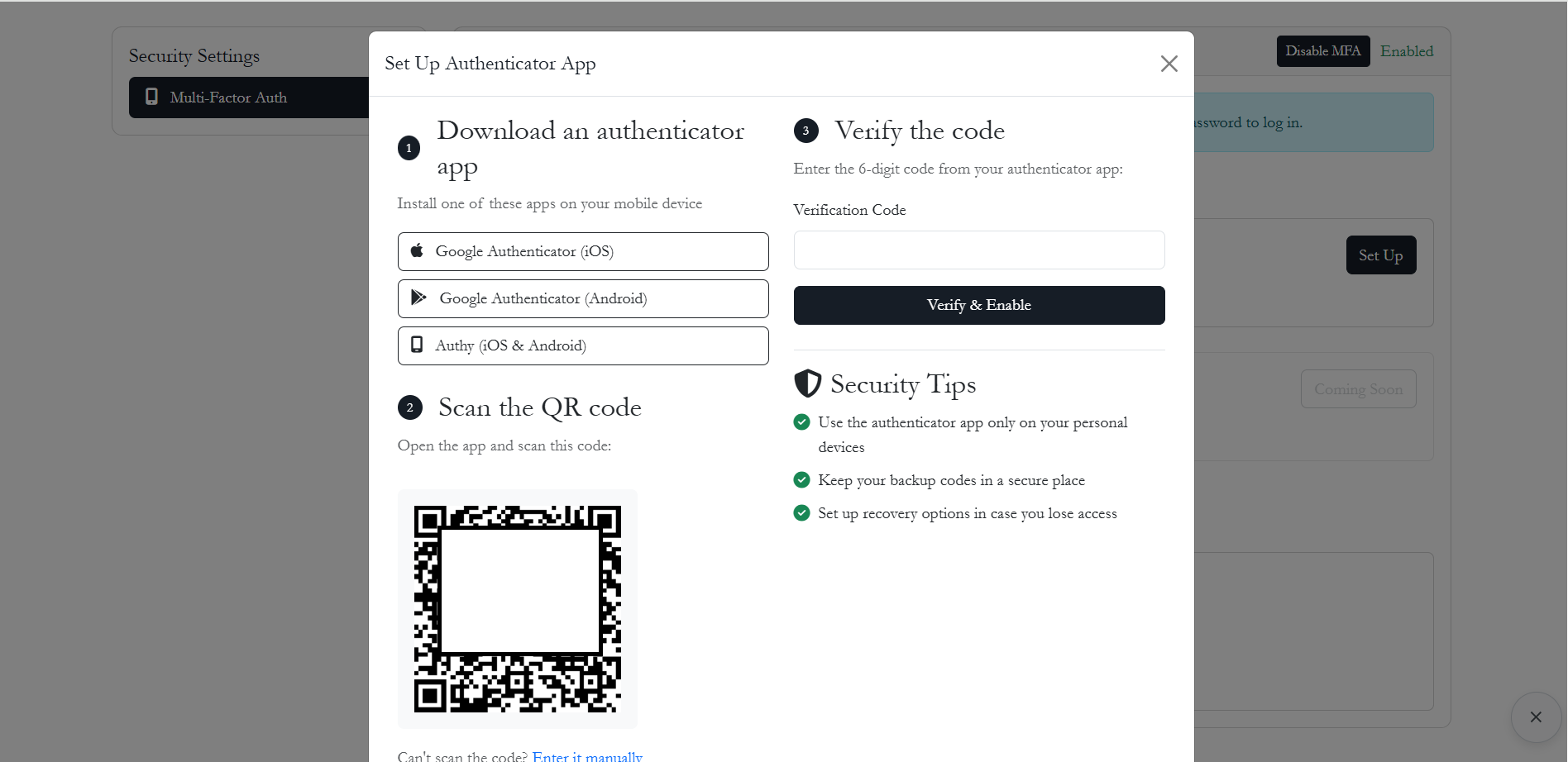
Users can enable MFA for their accounts via the self-service security portal. This typically involves scanning a QR code with a TOTP-compatible app (e.g., Google Authenticator, Authy).
2. Ongoing Authentication
Once MFA is active, users will be prompted for secondary verification during their next login attempt. SiX IDaaS & IAM supports several fallback mechanisms to ensure account access even if the primary method is unavailable.
Option A: Authenticator App (Primary)
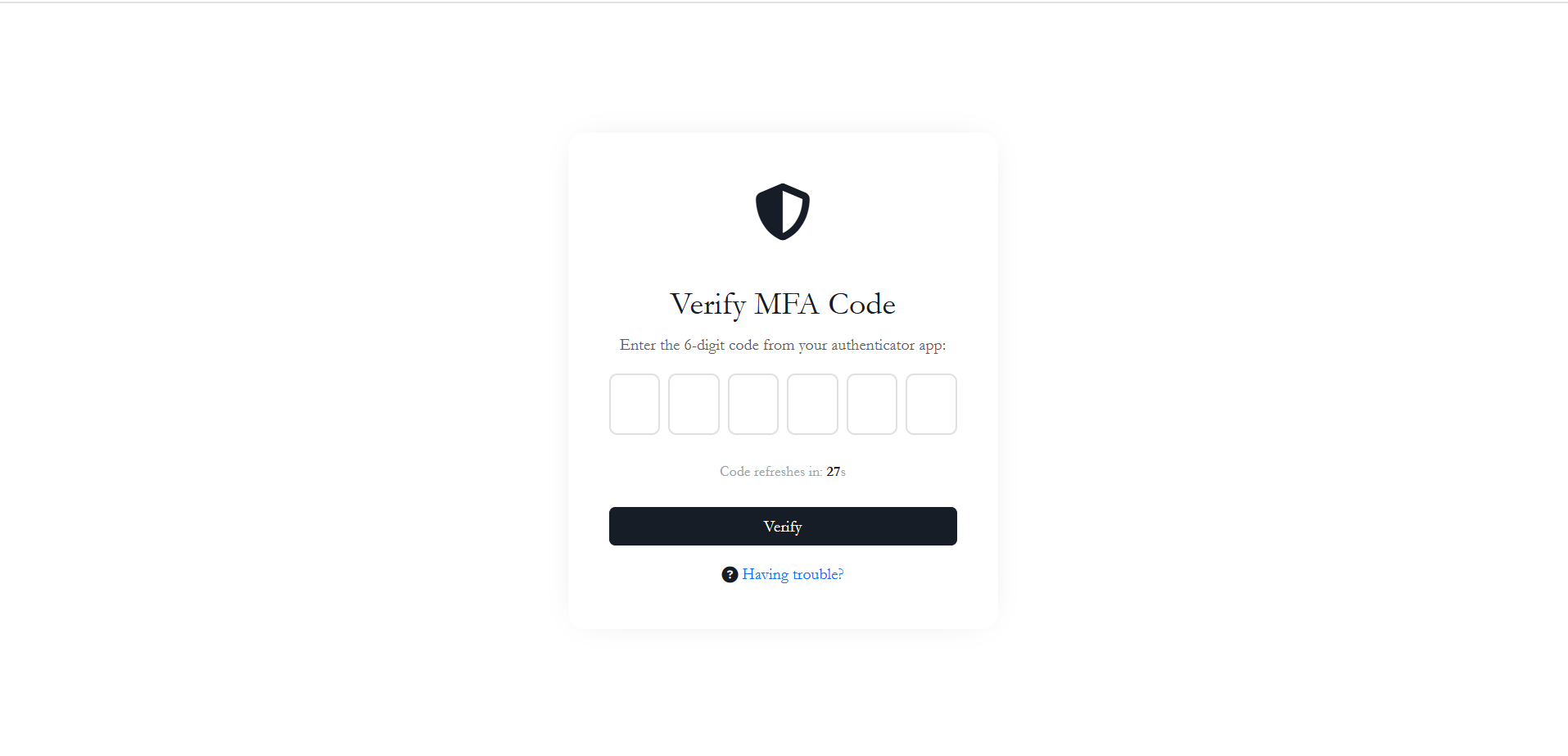
The standard method requires the user to enter a 6-digit Time-based One-Time Password (TOTP) generated by their mobile authenticator app.
Option B: Backup Codes
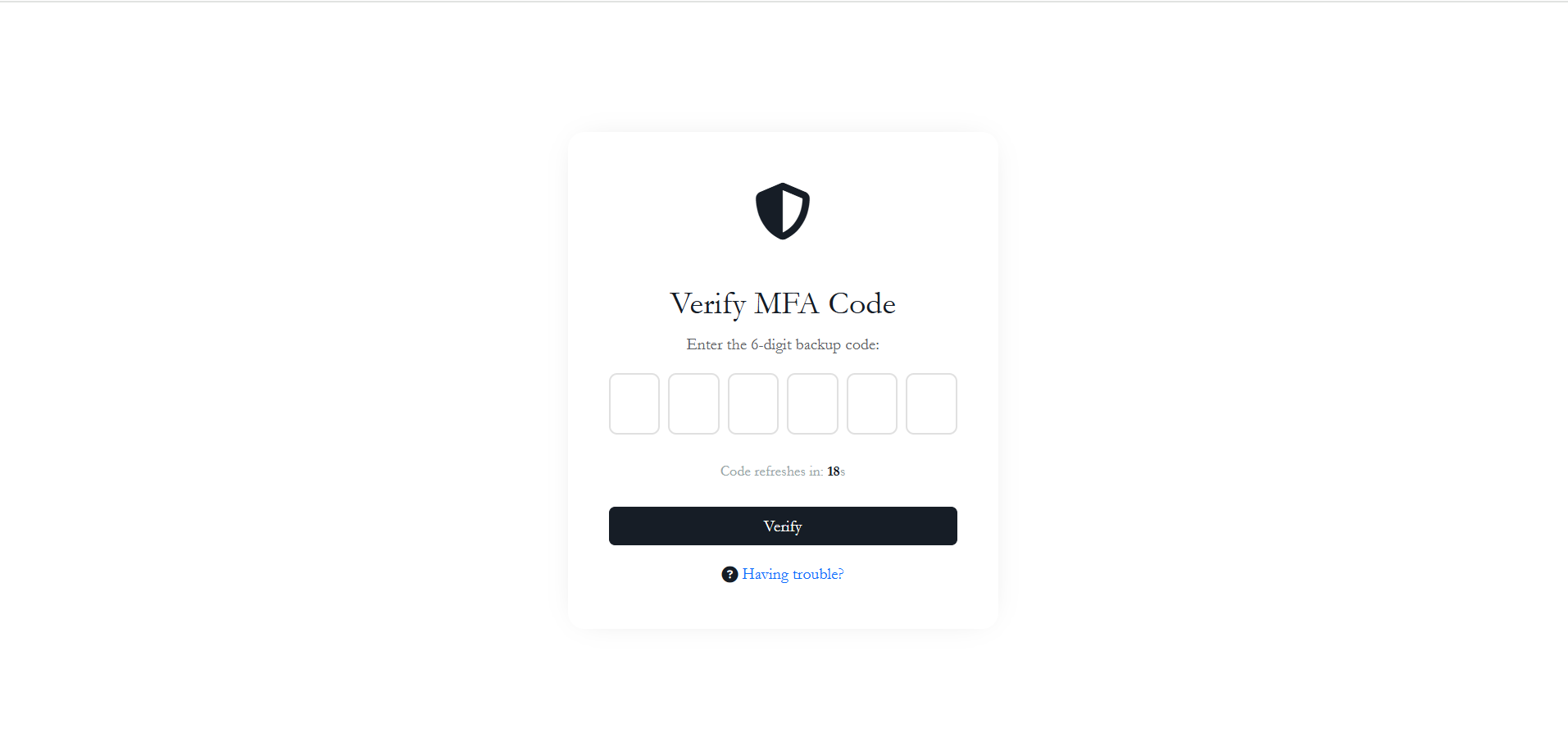
If a user cannot access their smartphone, they can use one of the pre-generated backup codes.
TIP
Users are encouraged to download or print their backup codes immediately after enabling MFA. 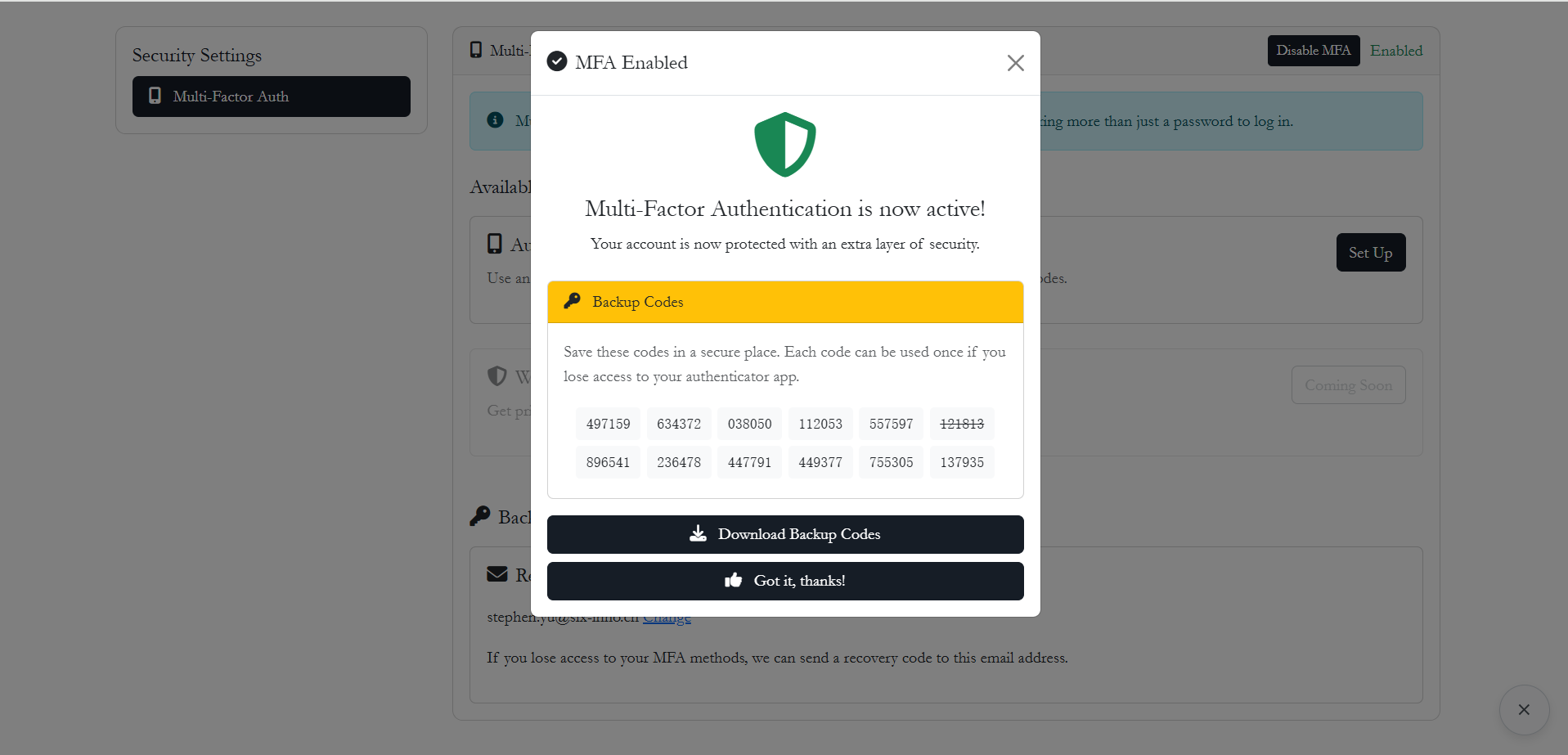
WARNING
Security Note: Each backup code is valid for single-use only. Once consumed, it cannot be reused.
Option C: Email Recovery Code
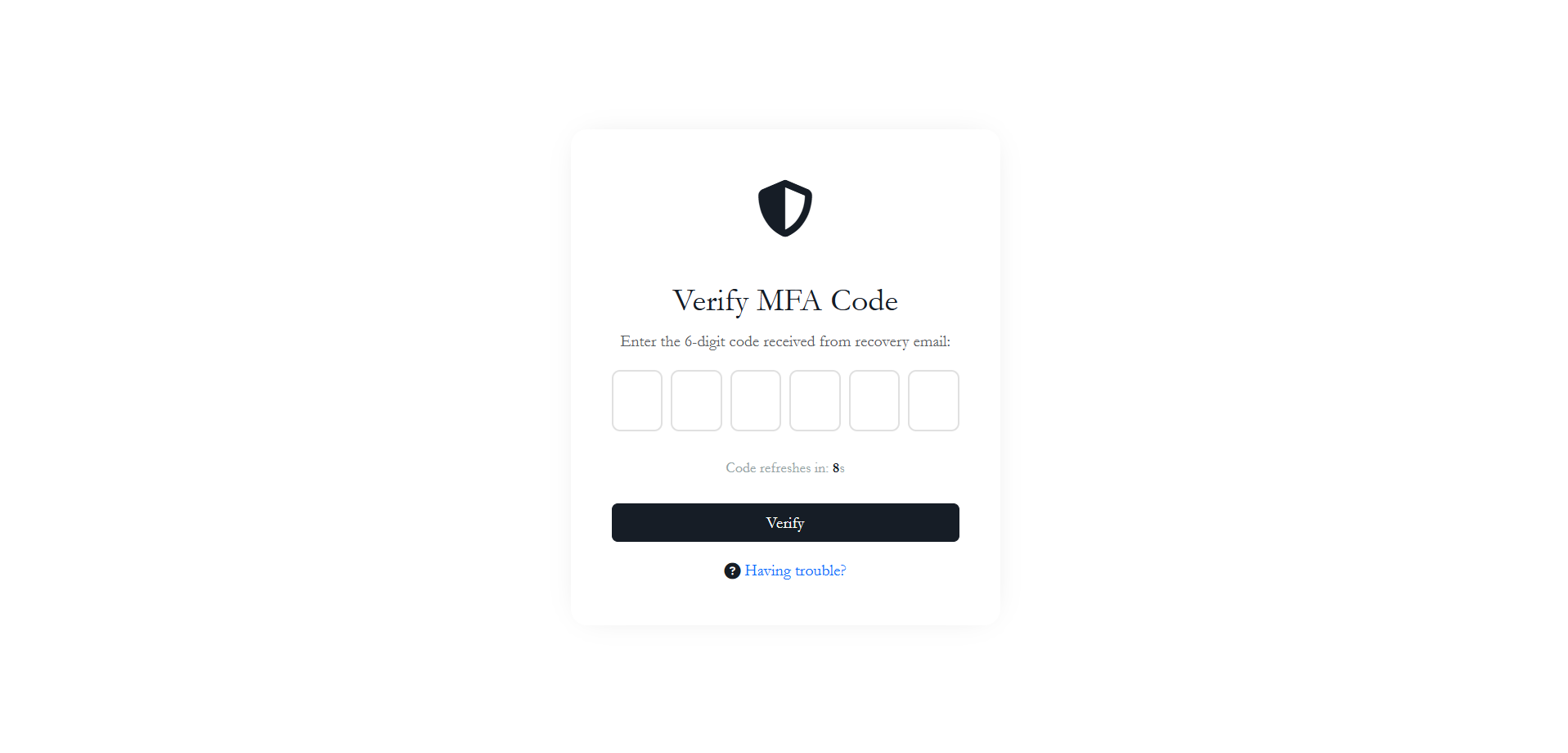
If both the authenticator app and backup codes are unavailable, users can request a temporary recovery code sent to their registered recovery email address.
1. Trigger the recovery email: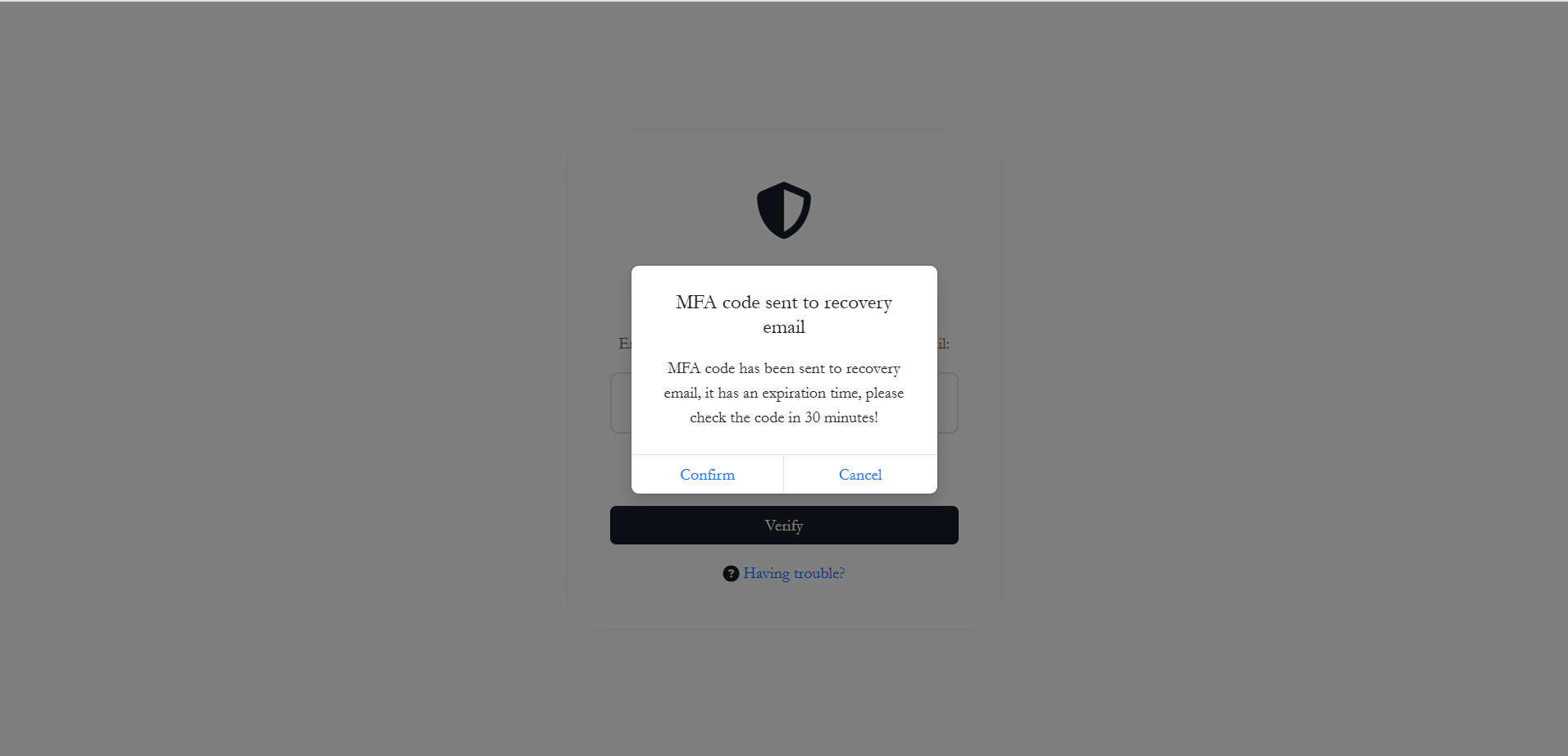
2. Receive code in inbox: The system sends a secure, time-limited code to the user's secondary email. 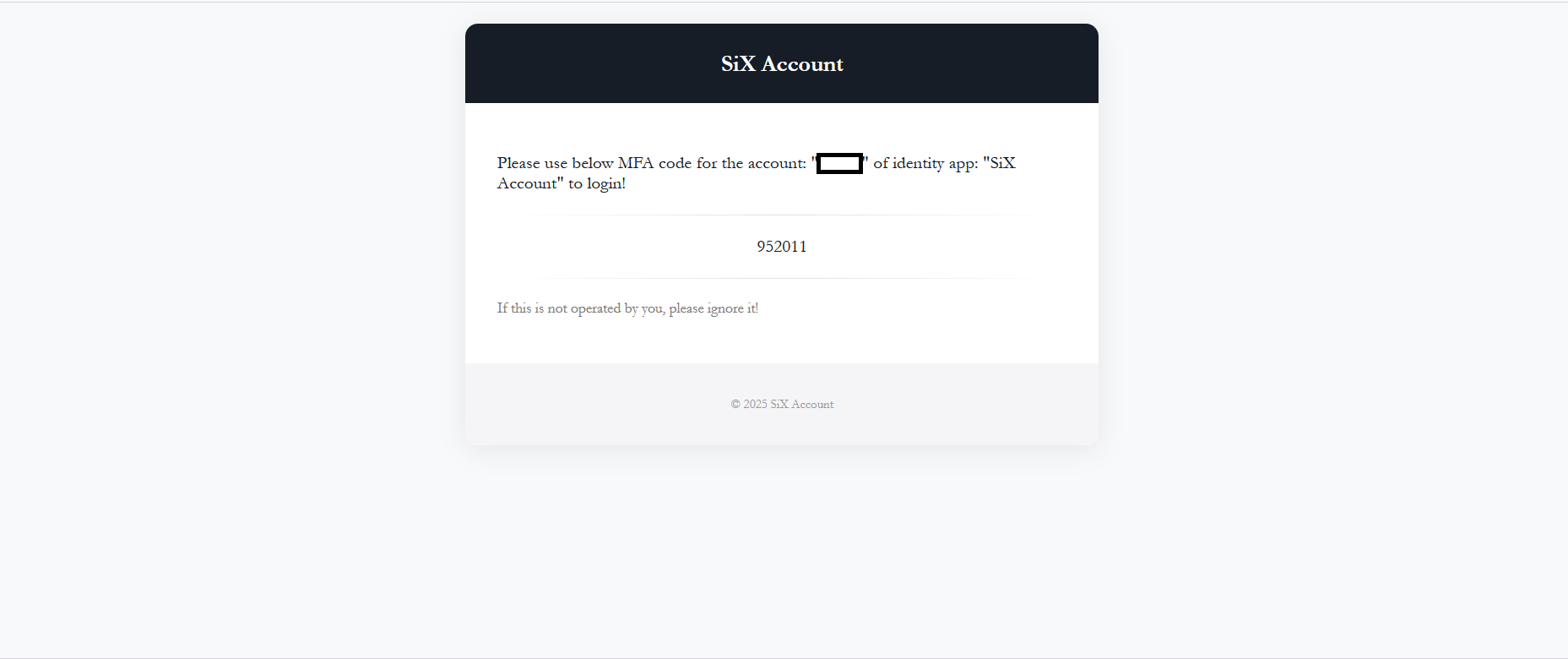
3. Complete authentication: